


Before
Posteryard
Clean art.
Textless art from TMDB, Apple TV or fanart.tv, with the title logo in one spot at one size.
TMDB_API_KEYAPPLE_ART=trueFANART_API_KEYStudio posters come in every font, tagline and layout. Posteryard swaps them for textless art with the title in the same spot on every poster, then renders, uploads and refreshes them on its own in Plex, Jellyfin or Emby as your library grows.
Textless art from TMDB, Apple TV or fanart.tv, with the title logo in one spot at one size.
TMDB_API_KEYAPPLE_ART=trueFANART_API_KEY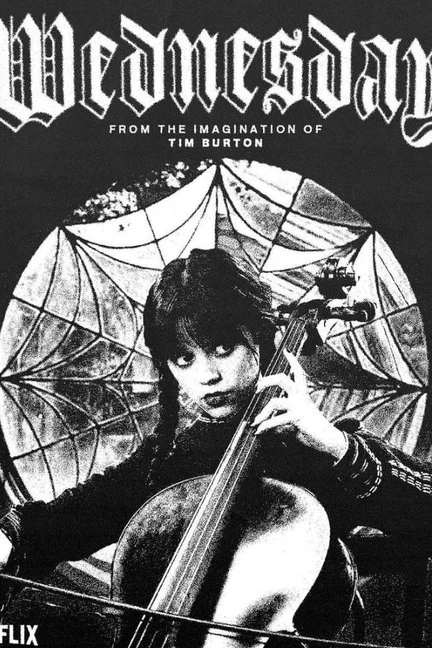

The mark of the service a show streams on, looked up on TMDB for the countries you list.
STREAMING_REGIONS
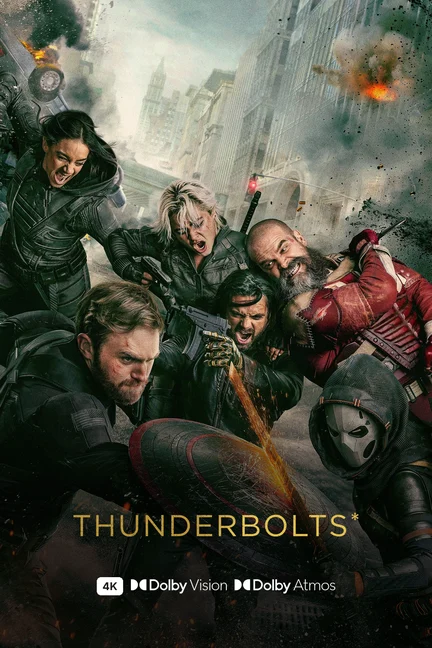
Resolution, HDR and audio badges from each file, starting at the level you set.
QUALITY_MIN_VIDEOQUALITY_MIN_HDRQUALITY_MIN_AUDIO

Just added, New episode and New season labels, plus a red countdown to the date Maintainerr deletes a title.
STATUS_LABELSMAINTAINERR_URL
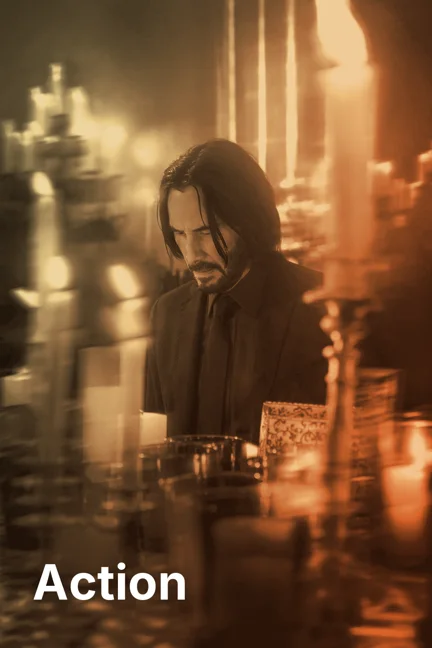
Genre and chart collections get a tile in Apple TV's genre colours. Service collections get the service's mark.
COLLECTION_POSTERSSERVICE_COLLECTIONS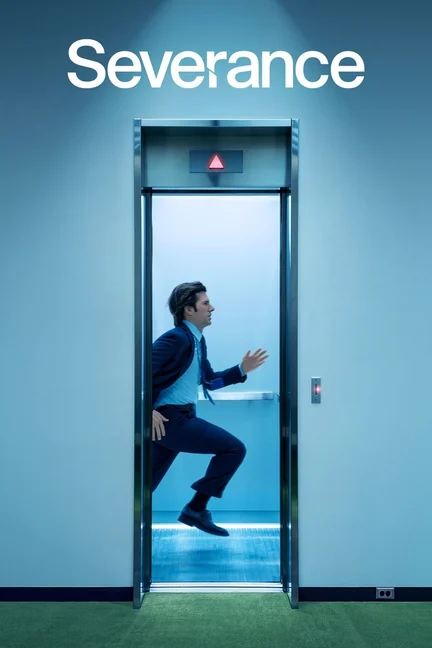
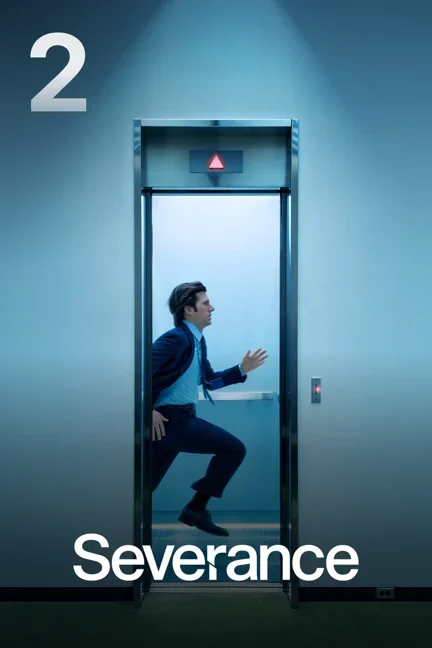
Each season gets its own art and a large season number. Episode thumbnails can carry their title.
EPISODE_THUMBNAILSFree and self-hosted. Needs Docker on a 64-bit Intel, AMD or ARM machine.
I use and run containers with .
services:
  posteryard:
    image: ghcr.io/sandobserver/posteryard:latest
    container_name: posteryard
    restart: unless-stopped
    init: true
    read_only: true
    tmpfs:
      - /tmp
    cap_drop:
      - ALL
    security_opt:
      - no-new-privileges:true
    environment:
      - TMDB_API_KEY=your-tmdb-api-key
      - PLEX_URL=http://192.168.1.10:32400
      - PLEX_TOKEN=your-plex-token
      - WEBHOOK_SECRET=any-long-random-text
      - TZ=America/New_York
      - DRY_RUN=true
    volumes:
      - ./data:/data
    ports:
      - "8000:8000"
Replace the yellow values. ./data is the folder on your server where Posteryard keeps its files; any path works. Need the keys? TMDB API key · Plex token
mkdir -p ./data && sudo chown 1000:1000 ./data
docker compose up -ddata/previews, next to compose.yml. Open a few to check them. docker logs -f posteryard shows progress.DRY_RUN=true to false in compose.yml and run docker compose up -d again. Posteryard uploads the images and locks them, so a Plex refresh keeps them.Every setting starts at a default. Change one and its line appears, ready to paste.
Add these lines under environment: in compose.yml
# Everything is on its default.
# Change a setting and its line appears here.
Server, keys and DRY_RUN are in the install block above. Every setting, explained.